


Casting contracts: templates, PDFs and signed versions
Keep the contract with the application, from the first draft to the signed copy. A practical workflow for agency teams.
Read the article ↗
Give each collaborator a clear role while keeping personal applicant accounts separate from agency access.
Shared logins make it difficult to know who did what or to end access when a collaboration finishes. In CastVent, invite or link collaborators by email from Settings → Collaborators and permissions. Each person uses their own account and can also keep an applicant profile.
Review permissions for managing applications, editing events, handling contracts, conducting interviews, managing inventory, creating casting calls and assigning staff. Access to one activity should not automatically mean access to every module. A permission does not activate a module that is excluded from the plan.
Where supported, give access to all casting calls or only selected ones. Staff-planning permission applies to all events. Collaborators do not manage the agency subscription: that remains with the owner. Check the actual scope before sending an invitation.
When responsibilities change, update permissions. When collaboration ends, remove the collaborator from the agency. Removing the association does not delete their personal account or their own applications. Pending invitations and active collaborators count towards the plan’s user limit.
Account and security is available through Settings. Use a strong password, review open sessions and enable optional Authenticator protection. The super administrator’s second factor is mandatory. Never share recovery codes with colleagues or support.
Casting and Events contains everyday work, including the calendar and application archive. Settings contains agency details, its separate privacy notice, templates, statuses, collaborators and subscription options according to permissions.
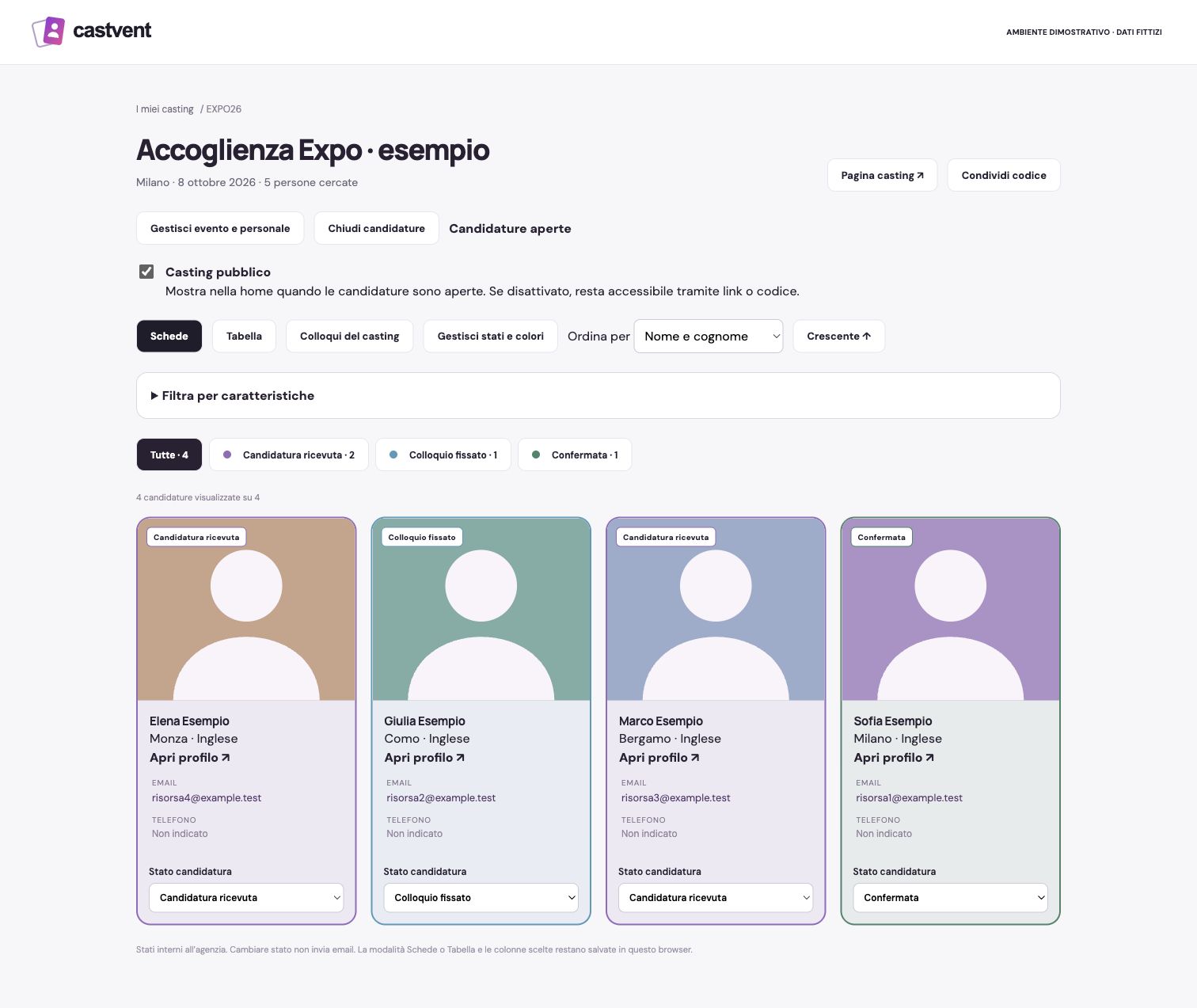
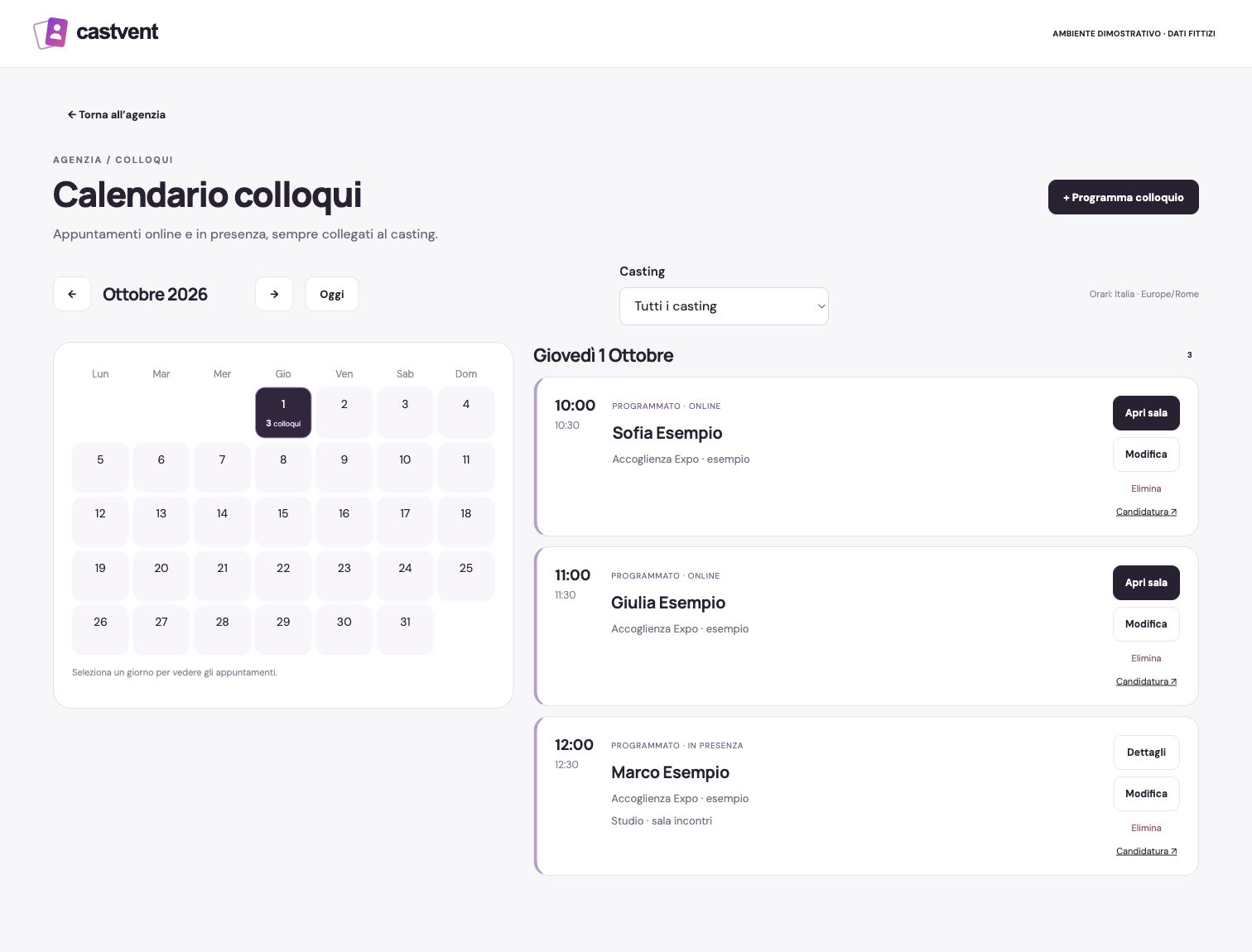
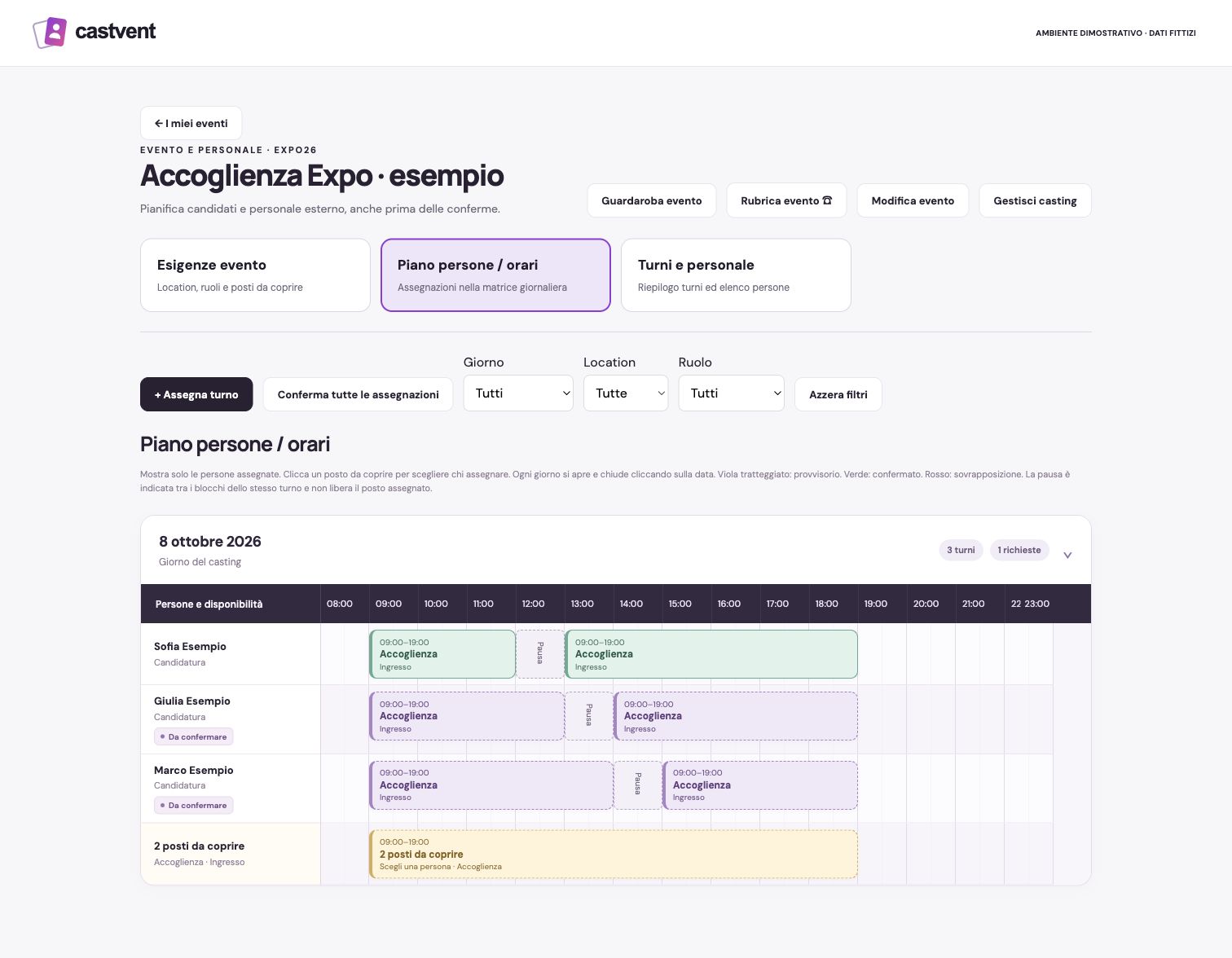
Demonstration interface in Italian. Events, people and materials are fictional; profile images are illustrative.
Keep the contract with the application, from the first draft to the signed copy. A practical workflow for agency teams.
Read the article ↗Choose around the work your agency actually does: selection, contracts, staff planning, online interviews and wardrobe.
Read the article ↗Give each collaborator a clear role while keeping personal applicant accounts separate from agency access.
Read the article ↗Try CastVent free for 30 days. No card required. No automatic charge.
The current service uses Italian tax and administrative rules. Choosing English or French changes the language, not the tax regime or the applicable contract model.