


CASTVENT · 20 October 2026 · 6 min read
How to choose casting management software: 7 checks
The right software is not the one with the longest feature list. It is the one that supports your work, from the casting call to someone arriving at the right place with the right paperwork.
This guide is written by CastVent. Use these criteria to compare other tools too: the aim is to identify what your agency actually needs.
1. Start with a real casting brief
Take a recent project and retrace the process: where you posted the call, how applications arrived, which files were missing and who handled selection. Note the moments when you had to search for information or copy it between tools. These are the tasks to test in new software.
2. Try the applicant’s journey
Open the link on a phone and follow the application process. Is the opportunity clear? Does the person know what to upload and what happens after submitting? Check the guest route if you need one. An organised agency workflow starts with clear instructions for applicants.
3. Request an additional file
A folder full of files is not the same as a complete application. Ask for another photo or an introduction video in another language. Check how the person receives the request and how you find the response. Look for a clear distinction between applicant materials and private agency uploads.
4. Let two colleagues handle one application
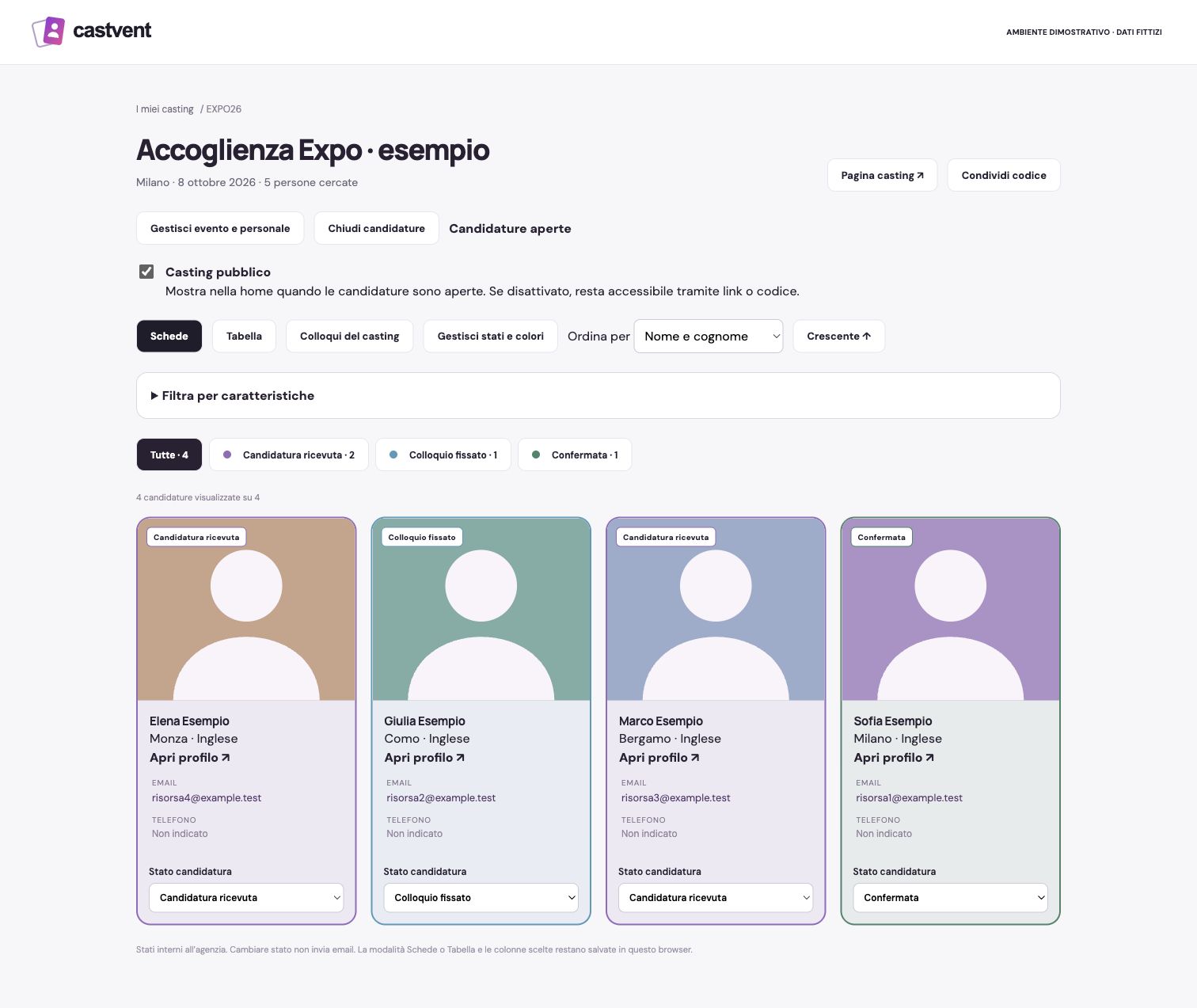
One colleague reviews the application; another conducts the interview. Can both see where things stand? Are notes linked to the person? Can you limit access to the tasks each colleague needs? Test individual accounts instead of sharing a password.
5. Test what happens after selection
If you also coordinate staff, try two locations, two dates and a shift with a break. Prepare a contract using assigned shifts and check the signed PDF return. If you only need to collect and review applications, choose a plan for that need. You do not have to buy every module.
6. Check recordings, access and retention
For online interviews, ask more than whether recording is available. Check what is recorded, what information applicants receive, who can access files and how retention is managed. Review exports and material management too. Software does not replace your organisation’s privacy decisions and obligations.
7. Compare the cost of your actual use
Count agency users and estimate the photos, CVs and especially videos you plan to keep. Compare included storage, extra users, modules and renewal terms. In CastVent, applicants do not use agency seats: seats cover the owner and collaborators. Casting calls and applications have no numerical limit within the plan’s storage allowance.
A useful trial covers the whole journey
- Create a non-public casting call with roles, dates and hours.
- Invite an informed test participant to apply.
- Request another file and check that it is easy to find.
- Schedule an interview and save a note with the application.
- Assign a shift and test the contract workflow with demonstration documents.
- Check the applicant’s view and the collaborator’s permissions.
At the end, ask which steps are clearer, which details no longer need copying and what is still missing from your workflow. Those answers matter more than a generic promise to save time.
Put CastVent to the test with your own workflow
Explore all features for 30 days from email verification, with 5 GB and up to 10 users including the owner. No card required. Plans start at €19 per month plus VAT; contracts and schedules start with Agenzia, online interviews and wardrobe with Pro. Invoices are issued in Italian and fiscal settings currently follow the Italian framework.